i77777 Login — Get Back in the Game Fast
Use your registered mobile number and password to log in. The process takes under 30 seconds. Play cricket betting, live casino, and slots right after you're in.
Log In to i77777
Don't have an account? Register now — it's free
Keep Your Account Secure Every Time You Log In
These five habits protect your account and your funds. They take seconds to follow and significantly reduce the risk of unauthorised access.
Use a unique password — never reuse one from another site
Your i77777 login password should be at least 10 characters and include a mix of letters, numbers, and symbols. If you used the same password elsewhere and that site was compromised, change your i77777 password immediately from your account settings. A unique password stops credential-stuffing attacks before they start.
Avoid public Wi-Fi when logging in
Shared networks at tea stalls, airports, or shopping centres can expose your session to packet sniffing. If you must use mobile data, switch to your personal 4G connection before entering your password. Alternatively, use the i77777 app — it encrypts data end-to-end. Download the app here.
Always log in through the official URL only
The only genuine address is i77777.ws. Phishing pages often look identical but have slightly different domain names. Bookmark the real URL now and use that bookmark every time. Never click login links sent via SMS or WhatsApp from unknown numbers.
Log out on shared or borrowed devices
If you ever log in from someone else's phone, tap "Log Out" before handing it back. The "Keep me logged in" option should only be used on a personal, password-protected device. Clearing browser cookies also closes any lingering sessions if you forget to log out manually.
Check your account after any suspicious activity
If you receive an unexpected OTP or notice a login from a device you don't recognise, change your password immediately and contact our 24/7 live chat. Do not share your OTP with anyone — i77777 support staff will never ask for it. Report suspicious messages to [email protected].
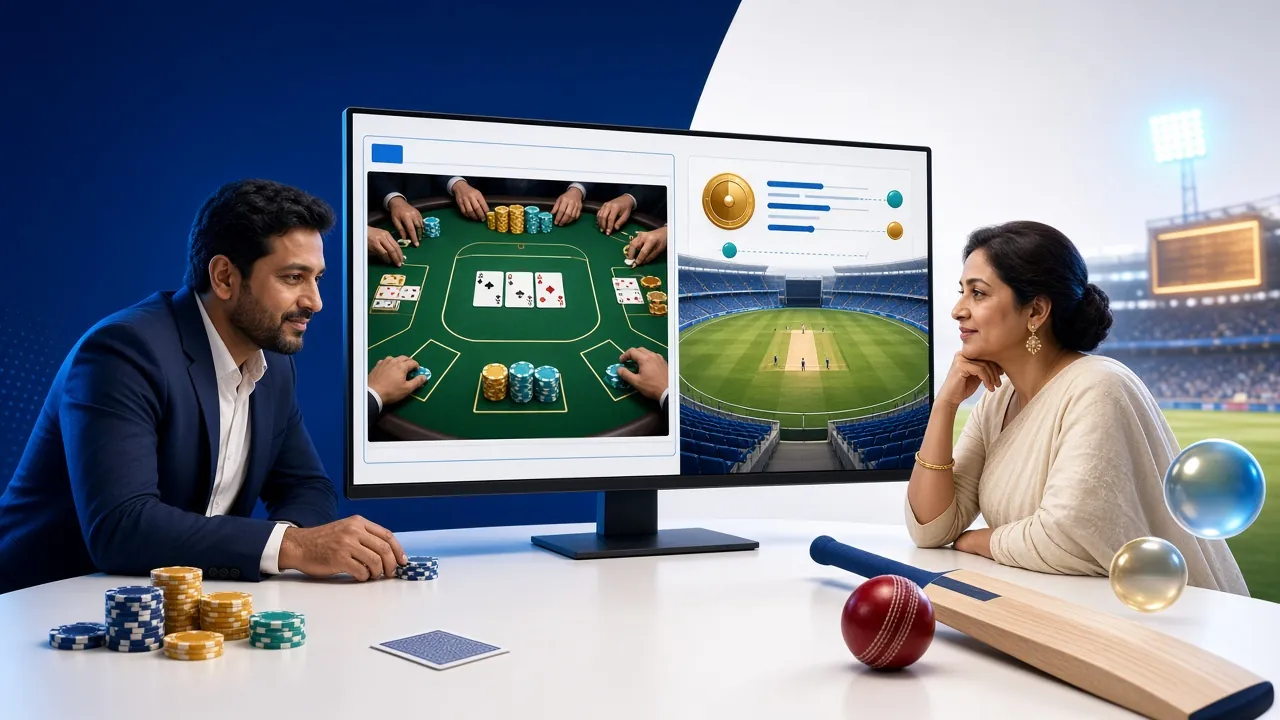
What Waits After You Log In
Once your i77777 login is confirmed, you land directly in the full game lobby: live cricket and football odds, real-dealer table games, slots from providers like Habanero and CQ9, and crash games. Deposits process in under 4 minutes via bKash, Nagad, Rocket, or Upay — so you're betting within minutes.
New to i77777? Create an account and claim your first-deposit bonus. Already a member? Explore the full casino once you're logged in.
Four Steps to Complete Your i77777 Login
-
1
Open the i77777 Login page on your browser or app
Navigate to i77777.ws/i77777-login/ or tap "Log In" inside the i77777 Android app (version 2.6.16 or later). Both routes take you to the same login form. If your browser auto-fills a saved password, verify it matches your current credentials before submitting — outdated saved passwords are the leading cause of failed logins.
-
2
Enter your registered mobile number
Type your Bangladeshi mobile number in the format 01XXXXXXXXX — the same number you used when creating your account. Do not add +88 or a country code prefix; the field expects a 11-digit local number. If you registered with a different number, use that one or contact support before resetting anything.
-
3
Enter your password and tick "Keep me logged in" if on your own phone
Passwords are case-sensitive — double-check Caps Lock. Tap the eye icon to reveal the text if you're unsure what you've typed. The "Keep me logged in" checkbox stores an encrypted session cookie on your device so you don't need to re-enter credentials on every visit. Only check this box on a personal, locked device.
-
4
Tap "Log In to My Account" and you're in
The button submits your credentials over an SSL-encrypted connection. A successful login redirects you to the game lobby in roughly two seconds. If you see an error message instead, read the reason shown — it will tell you exactly whether the issue is a wrong password, an unverified number, or a temporarily locked account so you can act immediately.
Compare Your Login Options at a Glance
i77777 supports three ways to open a session. Each has trade-offs — pick the one that fits how you play.
| Method | What You Need | Speed | Best For | Notes |
|---|---|---|---|---|
| Mobile Number + Password Recommended | Registered 01X number, account password | ~2 sec | Daily use on any browser | Works on desktop and mobile. Use autocomplete to speed it up. No app download required. |
| i77777 Android App | App v2.6.16, Android 7.0+, same credentials | ~1 sec | Regular mobile players | Remembers your session by default. Push notifications for live odds. Free download at /i77777-app/. |
| OTP Login (account recovery) | Registered mobile number, active SIM | ~30 sec | When password is forgotten | Sends a one-time code to your number. Code expires in 5 minutes. Use only for password recovery — not as a daily login method. |
Fix a Failed i77777 Login Before You Contact Support
Most login errors have a simple fix. Check the table below — column three tells you exactly what to do for each scenario.
| Problem | Likely Cause | What to Do |
|---|---|---|
| Wrong password error | Caps Lock is on, or a saved password in your browser is outdated | Toggle Caps Lock off and retype manually. If it still fails after two attempts, use the "Forgot password?" link above the form to request a reset OTP. Do not guess more than five times — repeated failures will trigger a temporary lock. |
| Mobile number not recognised | Entered number does not match the one registered on the account | Try any other numbers you may have used at registration. If you changed your SIM since signing up, contact 24/7 live chat with your name and registered email to verify identity and update the number on file. |
| Account temporarily locked | Five or more failed attempts in a row triggered an automatic lock | Wait 15 minutes, then try again with the correct password. If the lock persists beyond 30 minutes, email [email protected] from your registered email address. Support operates 24/7 and responds in under 30 minutes. |
| OTP not received | Network delay, full SMS inbox, or DND (Do Not Disturb) active on your number | Wait 60 seconds and tap "Resend OTP." Check that your SIM is inserted and has signal. Temporarily disable any DND or call-blocking service on your Grameenphone, Robi, Banglalink, or Teletalk number. If the SMS still doesn't arrive, switch to the live chat route for identity verification. |
| Page not loading or blank screen | Stale browser cache, outdated app version, or ISP-level filtering | Clear browser cache and cookies (Settings › Privacy › Clear data), then reload the page. If using the app, update to version 2.6.16 from the app page. On some ISPs, the site may require a VPN — use a trusted provider and reconnect before logging in. |
| Logged out immediately after signing in | Browser blocks third-party cookies, or another active session on a different device | Allow cookies for i77777.ws in your browser settings (Safari on iOS is the most common culprit). If you're already logged in elsewhere, log out from that session first. Each account supports one active session at a time for security reasons. |
Recover a Forgotten Password in Three Steps
You need access to the mobile number registered on your account. The whole process takes under two minutes.
-
1
Tap "Forgot password?" on the login form
The link sits to the right of the Password label. Clicking it opens the recovery screen where you enter the mobile number on your i77777 account. Make sure your SIM is inserted and receiving SMS — the next step sends a code to that number. If your registered number is no longer active, contact live chat immediately.
-
2
Enter the OTP sent to your mobile number
A six-digit one-time code arrives within 30 seconds. Enter it on the verification screen. The code is valid for 5 minutes. If it doesn't arrive, disable DND on your SIM, wait 60 seconds, and tap "Resend." Each resend request resets the 5-minute timer. Enter the latest code — previous codes become invalid once a new one is sent.
-
3
Set a new password and log back in
Choose a password of at least 10 characters with a mix of uppercase letters, numbers, and at least one symbol. Confirm it in the second field — both must match exactly. Once saved, you're redirected to the login page automatically. Use your new password immediately so it stores correctly in your password manager or browser.
Questions Players Ask About the i77777 Login Process
Can I log in with a username instead of my mobile number?
No. i77777 uses your registered Bangladeshi mobile number (01XXXXXXXXX format) as your login ID. There is no separate username system. This is intentional — it ties your account to a verified SIM, which speeds up identity confirmation during withdrawals and reduces the risk of duplicate accounts. Keep your SIM active and registered under your real name to avoid access issues later.
Is the i77777 login form safe on a mobile browser?
Yes. The login form uses HTTPS with SSL encryption on all connections, whether you access it on Chrome for Android, Safari on iPhone, or any other mobile browser. Your password is transmitted as an encrypted hash — it is never sent in plain text. For the most secure experience, use the official i77777 Android app (version 2.6.16) which adds an additional layer of session encryption beyond the browser's built-in HTTPS.
How long does a logged-in session last before I'm signed out?
Without "Keep me logged in," a browser session expires after roughly 30 minutes of inactivity. With the option checked, the session persists for up to 7 days on that device. The i77777 app keeps you logged in until you manually tap "Log Out" or uninstall the app. For safety, avoid checking "Keep me logged in" on a shared device — always log out manually when you're done.
What happens if I enter the wrong password too many times?
After five consecutive failed login attempts, your account is automatically locked for 15 minutes to protect against brute-force attacks. The lock lifts automatically — you do not need to contact support unless it persists beyond 30 minutes. Once the lock clears, use the "Forgot password?" option rather than guessing again. Repeated lockouts within 24 hours may trigger a manual review by the security team.
Can I be logged in on two devices at the same time?
No. i77777 allows one active session per account at a time. If you log in on a new device while another session is open, the older session is automatically closed. This protects your account balance and prevents duplicate betting activity. If you notice you've been signed out without doing it yourself, change your password immediately and check with live chat — it may indicate that someone else knows your credentials.
Do I need to complete KYC verification before I can log in?
No. You can log in and place bets without completing KYC. KYC verification is only required before your first withdrawal. Accepted documents are a National ID Card (NID), Passport, or Driving Licence. Verification is reviewed within 6 hours. Submit your documents early — from the account settings — so your first withdrawal is not delayed. See the full Withdrawal and KYC guide for step-by-step instructions.
Log In Faster with the i77777 Mobile App
The free Android app (52 MB, Android 7.0+) keeps you signed in and sends live match alerts. One tap from your home screen and you're in the lobby.